

Test in the playground
The playground of a flow with a Voice Agent is not a chat: it is a call. You talk to the agent exactly as it is on the canvas (the draft), without deploying any version, without publishing and without a phone number.
It works the same way with a Voice Agent Realtime.
Open a test call
- In the flow editor, click the playground button on the right-hand bar.
- The Playground opens with the agent’s name and the Llamar (call) button.
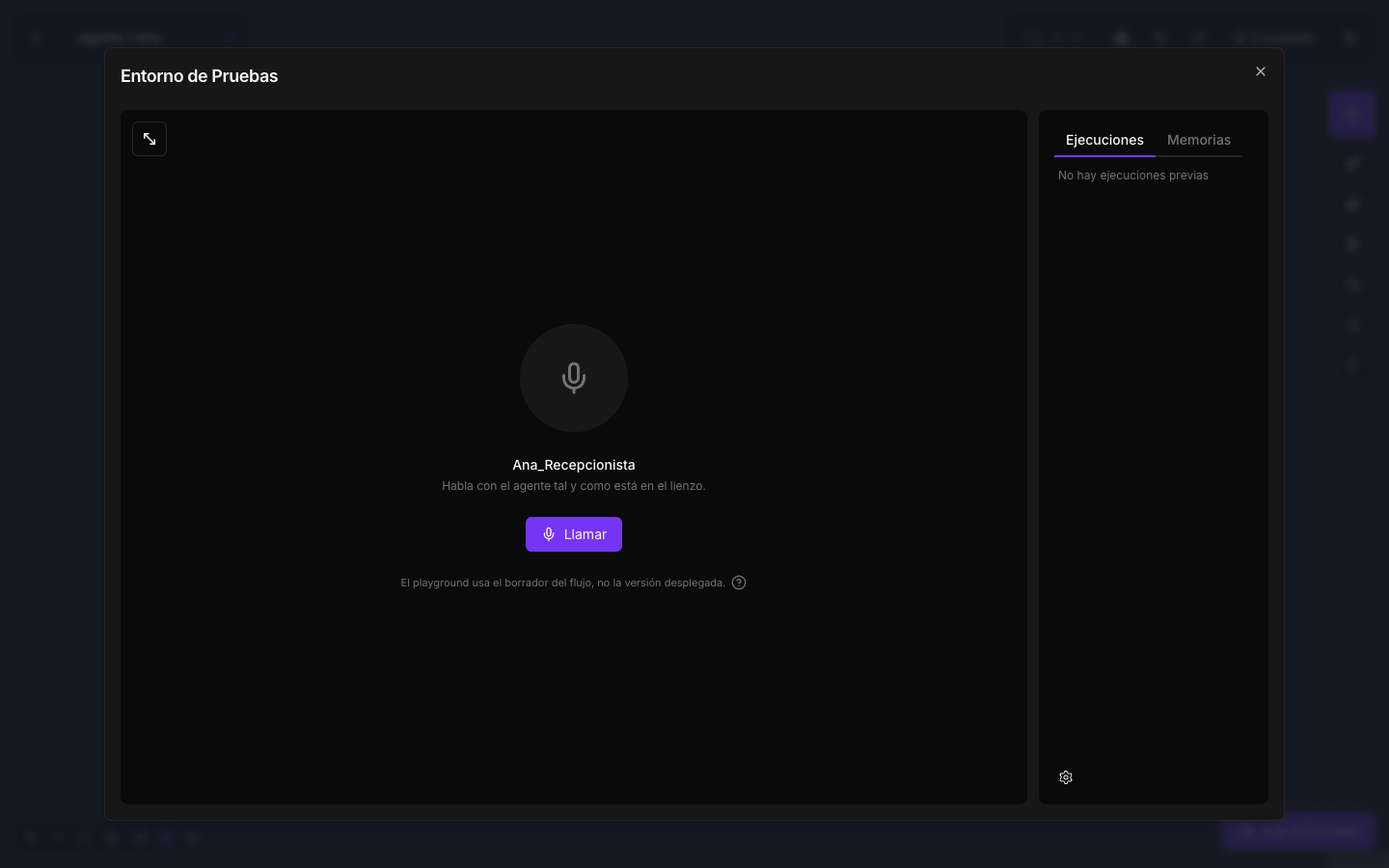
- Click Llamar. The first time, your browser asks for permission to use the microphone.
- The agent says its Greeting and you can start talking. Use headphones so the agent does not hear itself through your speakers.
- Hang up with the same button, or ask the agent to hang up if it has the Hang Up Call tool.
The right-hand panel shows the flow’s Executions during the call: every tool the agent uses, with its input and output. You see live what it searched for and what it got back.
Which version is tested
- The agent you talk to is the draft. Every change you save on the canvas is used in the next test call.
- Transfers to another agent go to its published version. If during the test you ask to be put through to another voice agent, you hear what that agent has published. Publish the destination agent before testing a handover.
- Tools are real. A search, an email or a write to your CRM really happens, with your credentials. Use test data.
Playground calls are kept in the agent’s history, with a playground-… caller. It is the quickest way to review the transcript and the response times of every turn after a test.
What to check before publishing
- The greeting and the tone are what you want.
- Ask for something that needs each tool and check that the agent uses it and delivers the result properly.
- Interrupt it while it speaks: it should stop and listen.
- Ask to be put through to someone else, if it has Transfer Call.
- Say goodbye: it should say goodbye and hang up, if it has Hang Up Call.
- Stay silent: once Inactivity Before Hanging Up has passed, it asks whether you are still there.