

Chat Output
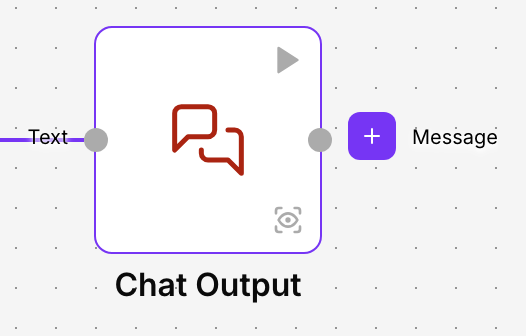
Chat Output is the output of flows that hold a conversation. It receives the answer the flow has prepared, usually an agent’s, shows it in the chat as a message from the assistant and saves it in the conversation history.
It goes at the end of the flow, paired with a Chat Input at the start: the first picks up what the person writes and this one returns the answer.
The playground chat
In the playground, each message you type comes in through the Chat Input, and the answer that reaches Chat Output appears below, as in any chat. See Test the flow in the playground.
The answers are saved together with the person’s messages, and you can read the whole conversation in the Conversation Registry.
When to use it
- Returning the answer of a customer service assistant to the customer.
- Showing in the chat the summary an agent has prepared from an attached document.
- Seeing in the playground what your flow answers while you build it.
Configuration
| Field | What it does |
|---|---|
| Text | The message shown in the chat. Connect the answer of the agent or of the component that prepares it, or type a fixed text. |
Advanced options
| Field | What it does |
|---|---|
| Sender Type | Says who the message belongs to in the history: Machine (the assistant) or User (the person). Default: Machine. |
| Sender Name | The name the sender is saved with. Default: AI. |
| Session ID | Identifies the session the answer belongs to. Leave it empty: the platform fills it with the session of the current conversation. The answer is only saved in the history when there is a session. |
| Conversation ID | Identifies the conversation the answer belongs to. Leave it empty so the platform uses the current conversation. |
| Data Template | Does not change the message: the text is shown exactly as it reaches Text. You can leave it as it is. |
Output
Message returns the same answer that was shown in the chat. You usually don’t need to connect it; use it if you want to keep working with the answer, for example to send it by email as well.
Example
The demo flow Asistente de soporte has three pieces: Chat Input → Agent → Chat Output.
- The customer asks in the chat about the return period.
- The agent looks up the returns policy and writes the answer.
- The agent’s Response output is connected to Text in Chat Output.
- The answer appears in the chat and is saved in the conversation.
Good practices
- Leave Session ID and Conversation ID empty: that way the answer is saved in the same conversation as the person’s message.
- If the flow has to return a text without a conversation, use Text Output.
Related components
- Chat Input: picks up the person’s message.
- Agent: prepares the answer.
- Text Output: shows a text in the playground, without a chat.