

Video courses
These tutorials show NappAI at work. The videos are in Spanish, and each one opens on YouTube in a new tab. Some were recorded with earlier versions of the app, so certain names and screens may differ from the current ones; for the details of each screen, see the app guide.
Guided videos from the documentation
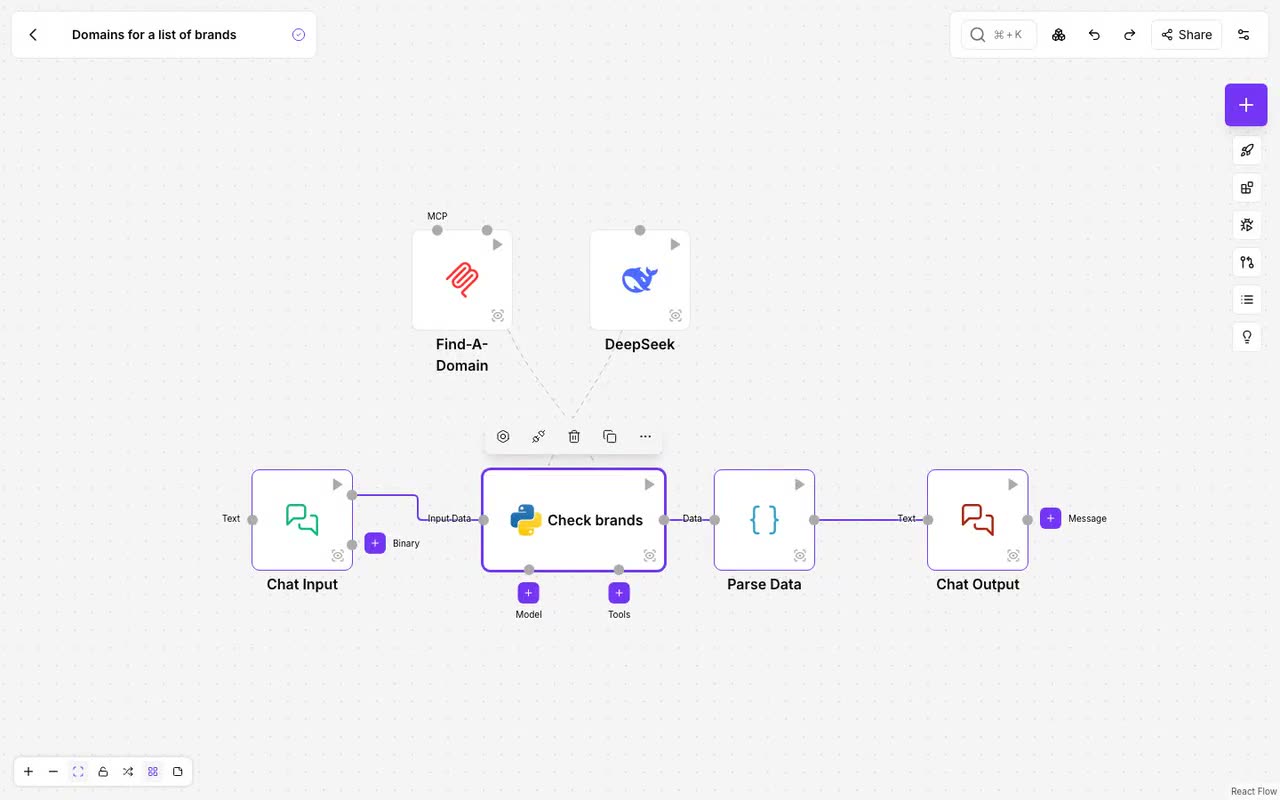
Narrated videos recorded with the current application, each one a real case from start to finish. Each card opens the documentation page that explains it.
Getting started
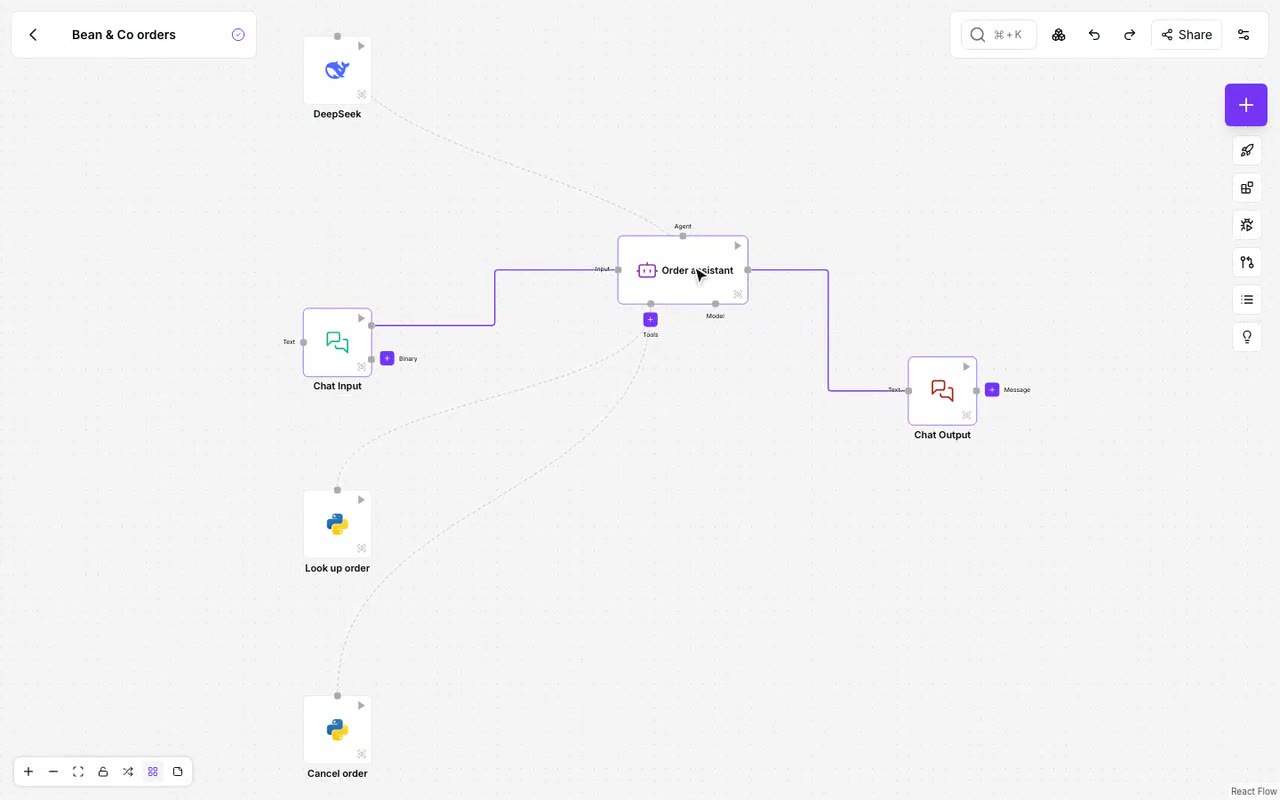
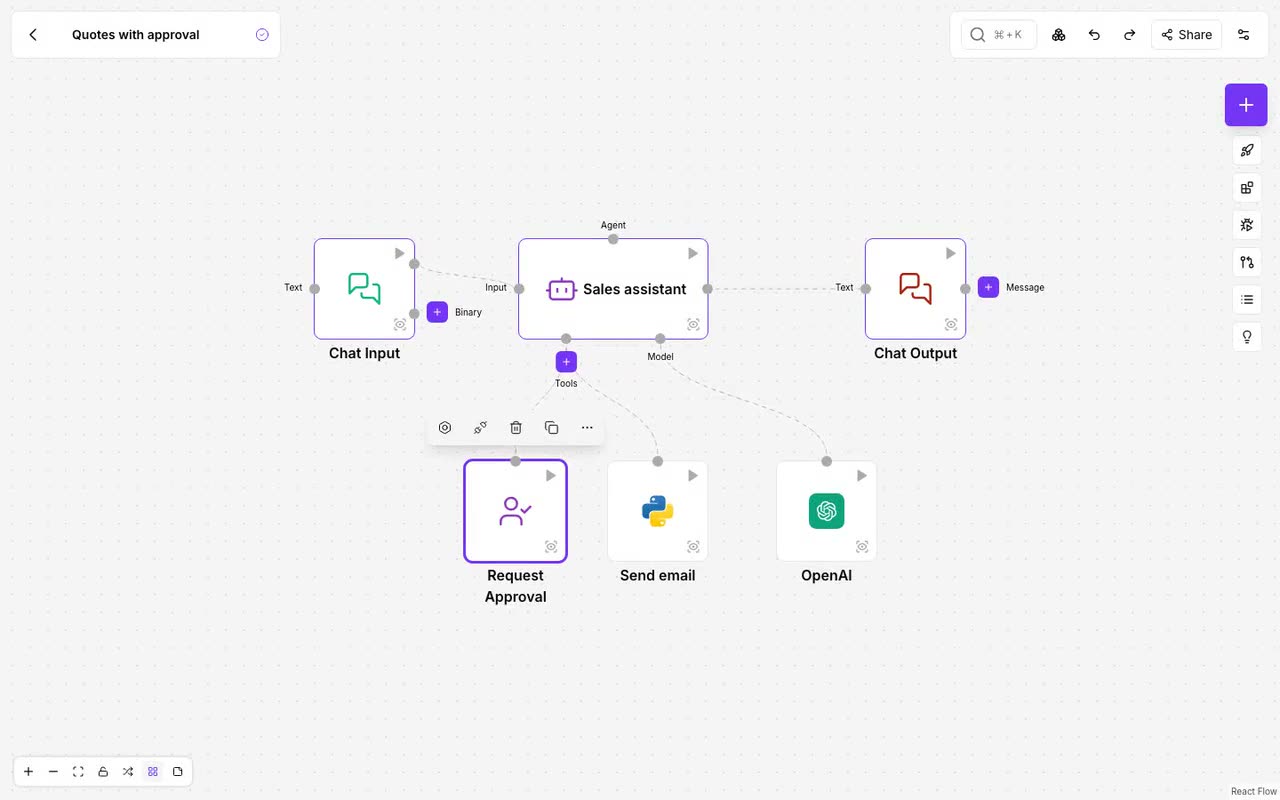
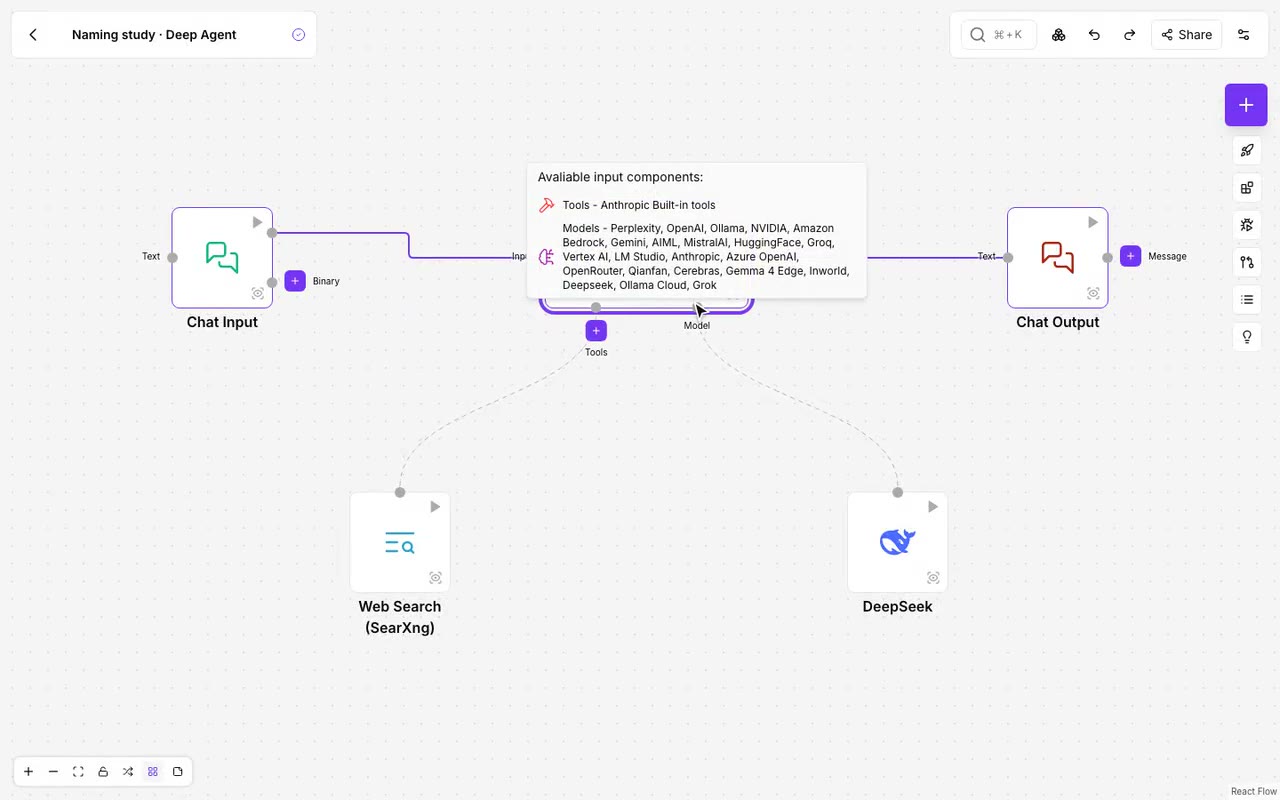
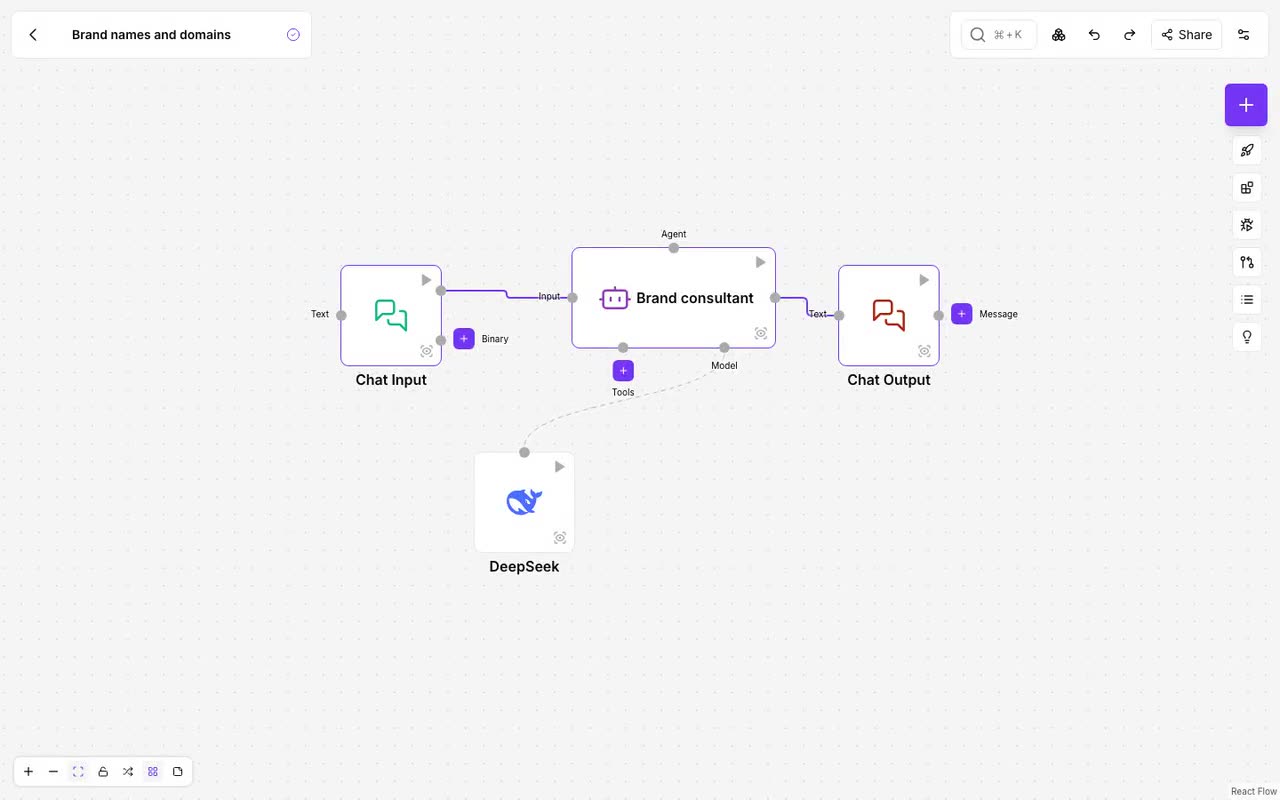
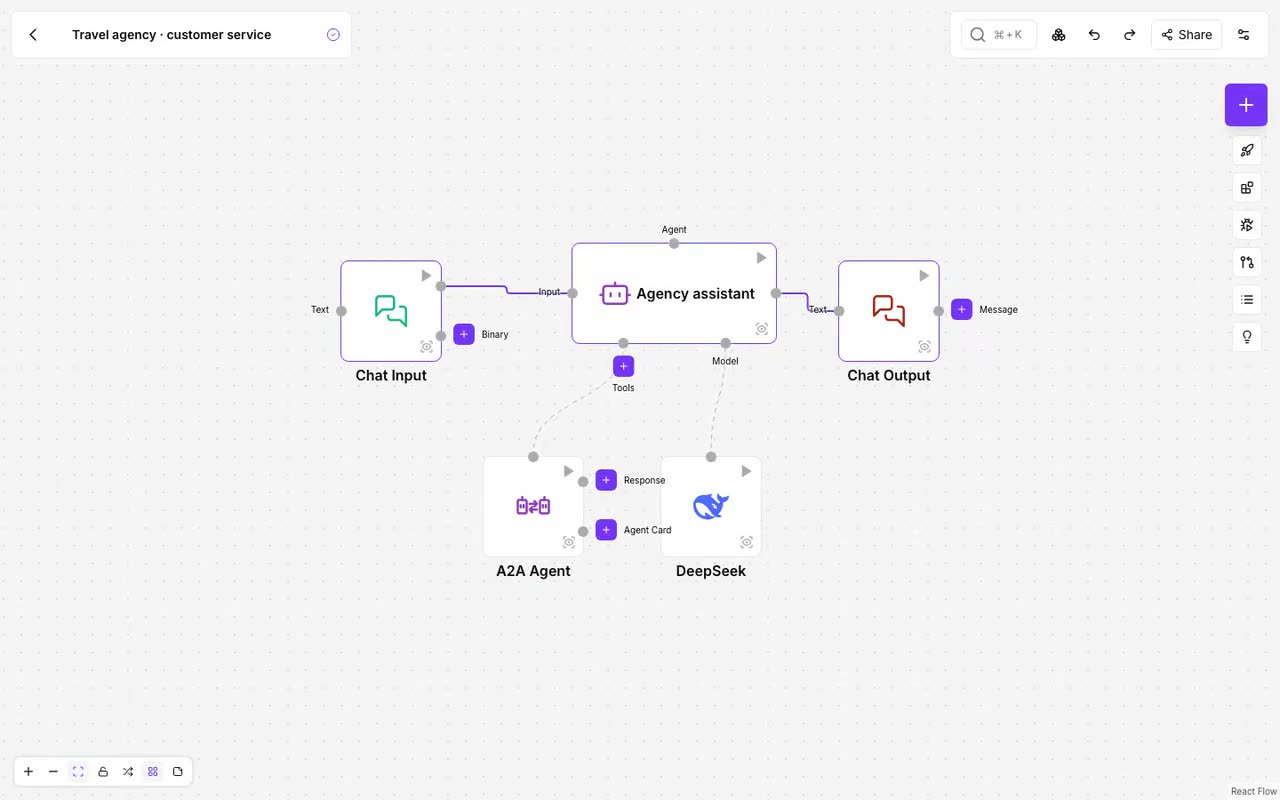
Agents and tools
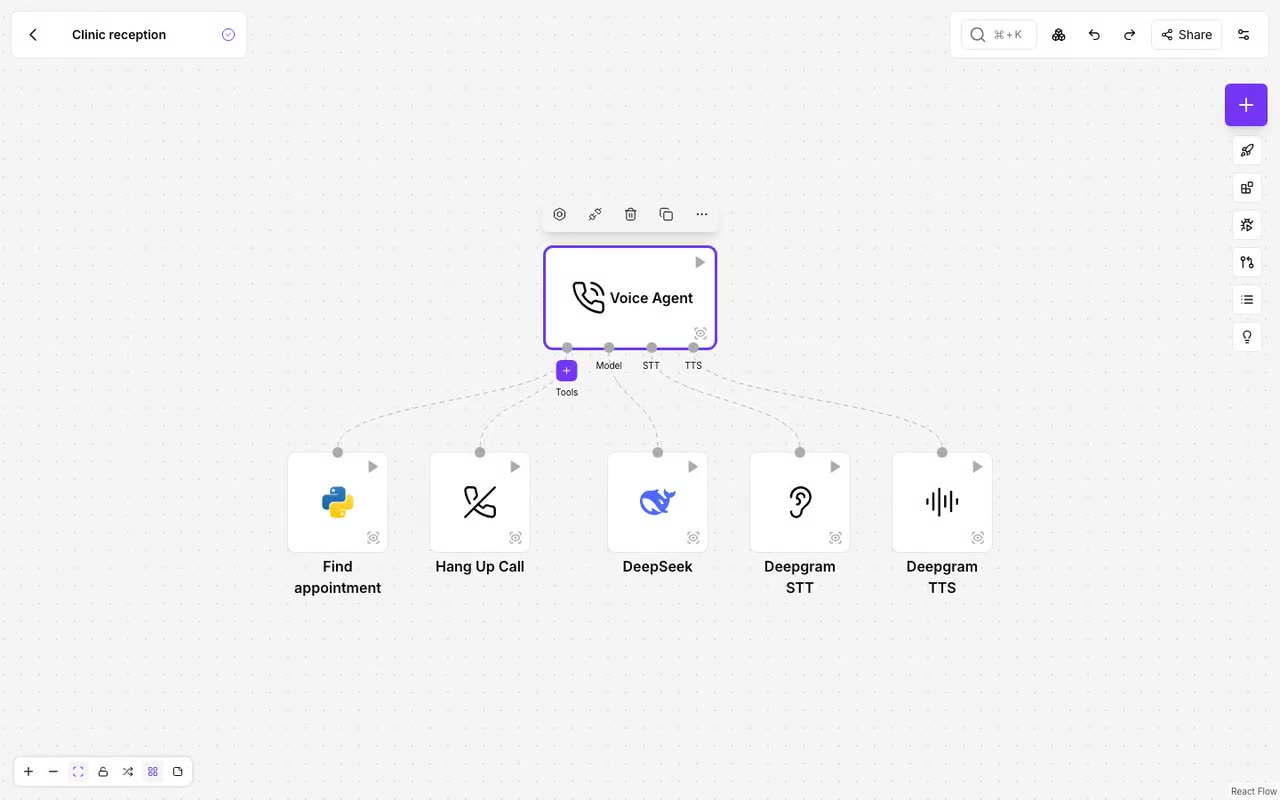
Voice agents
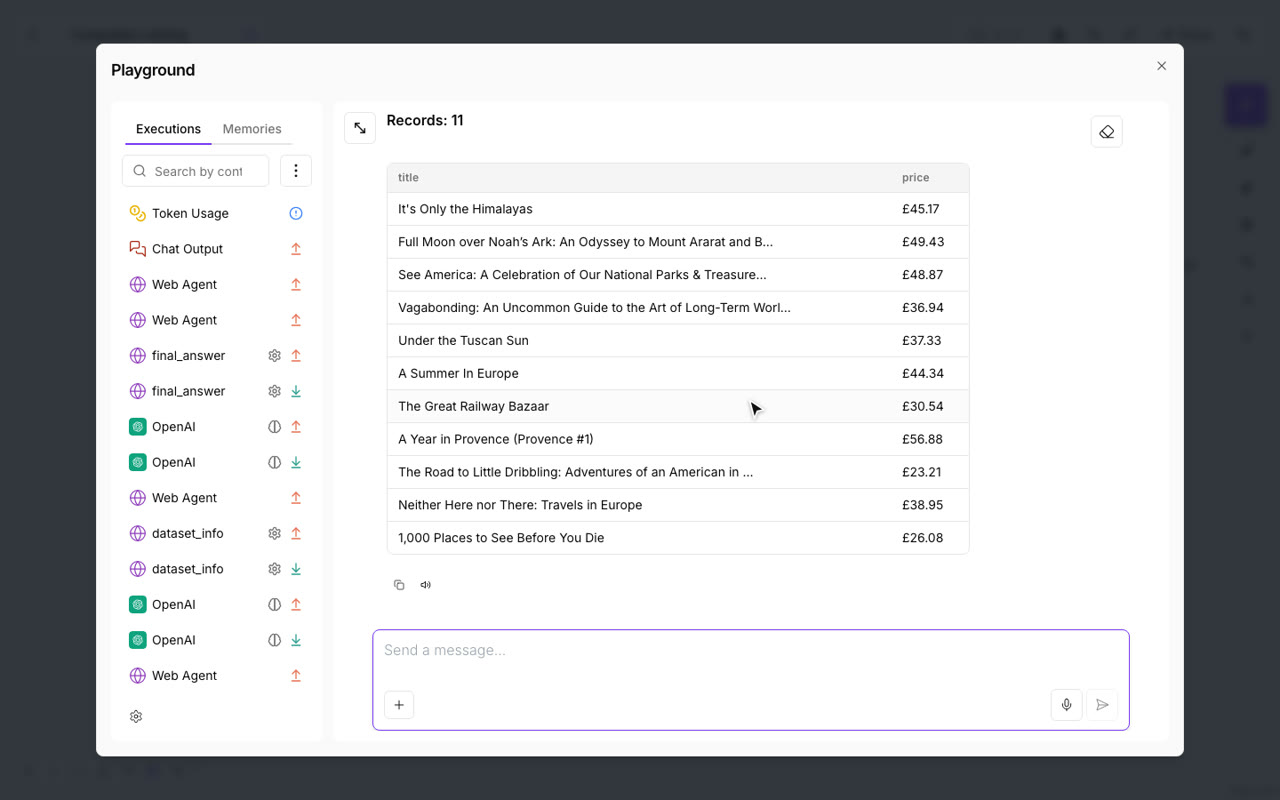
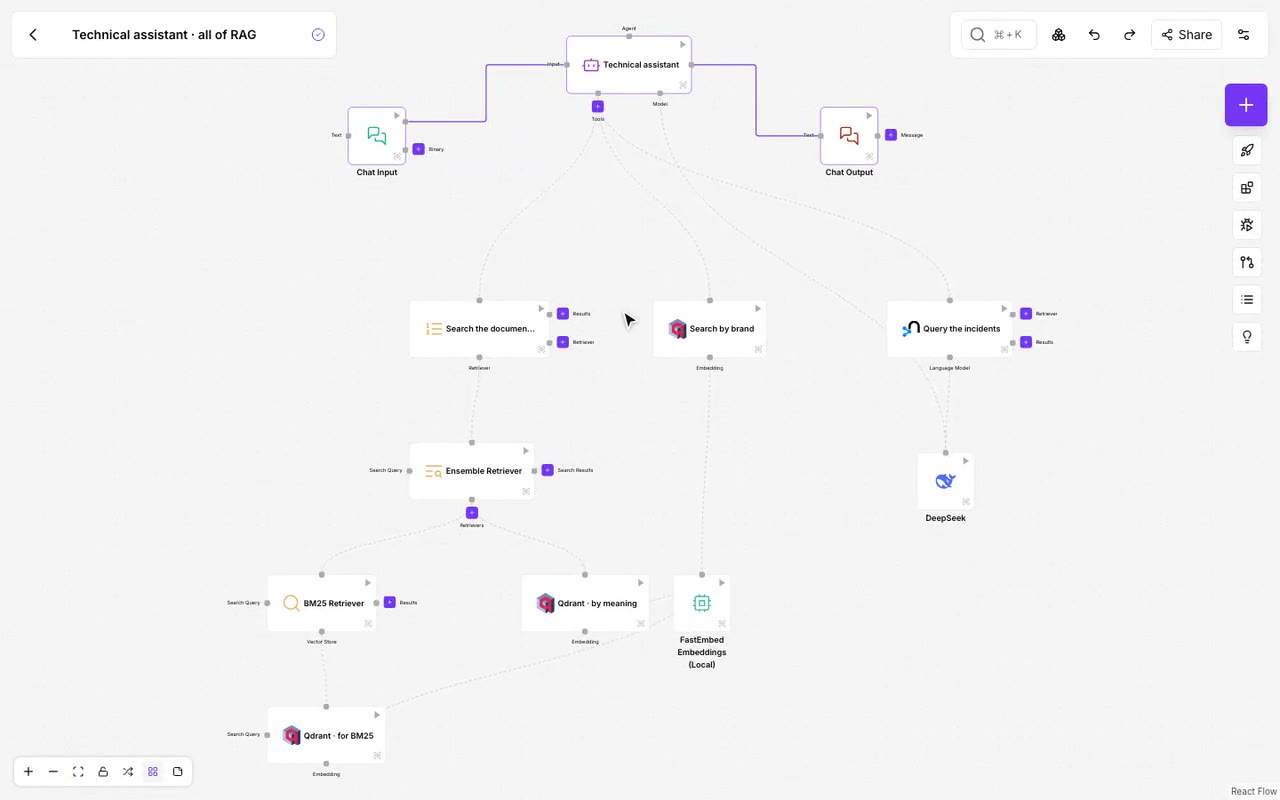
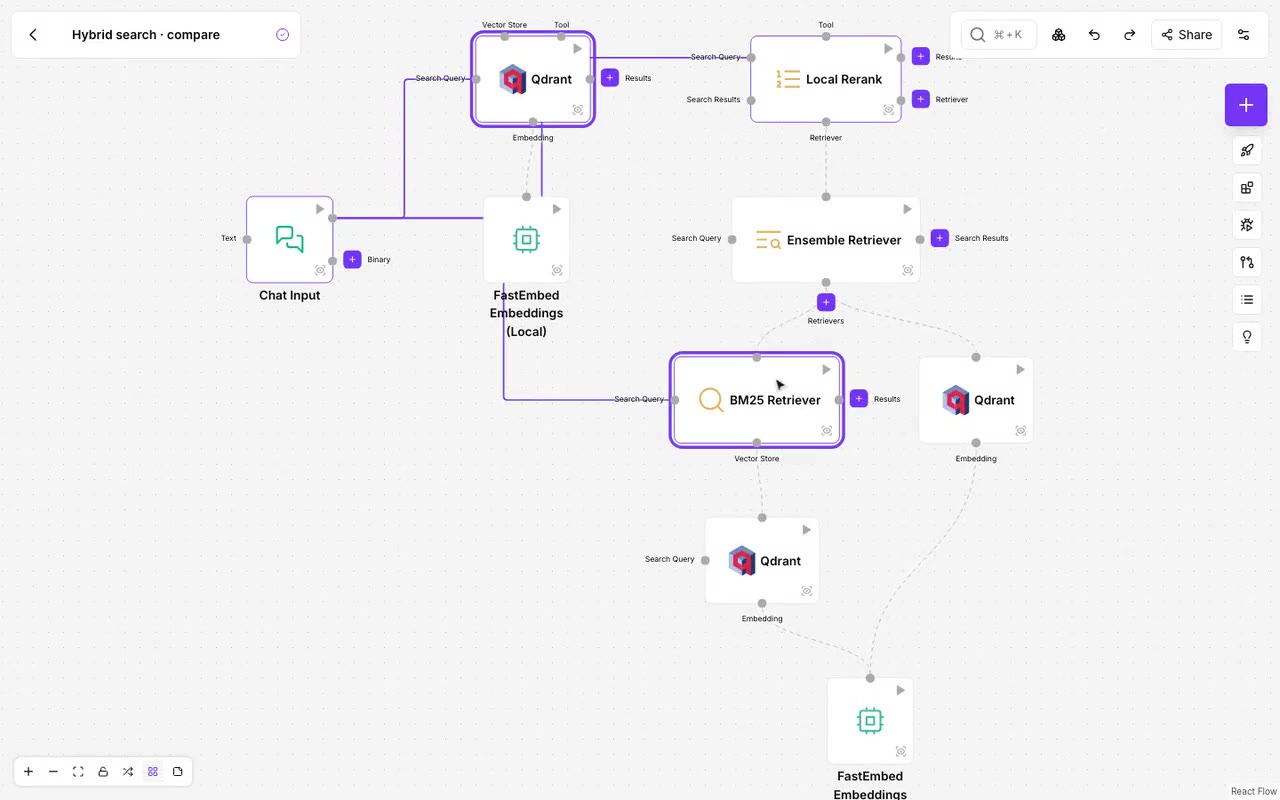
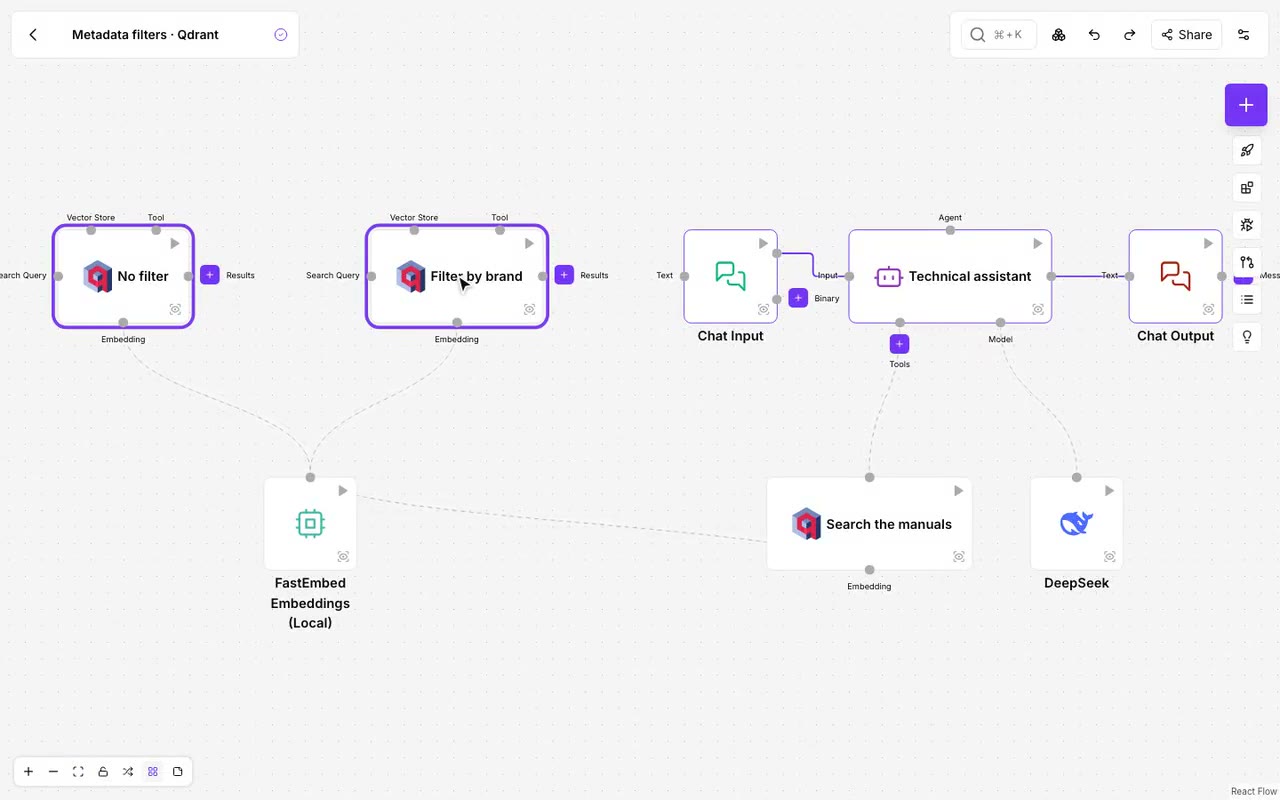
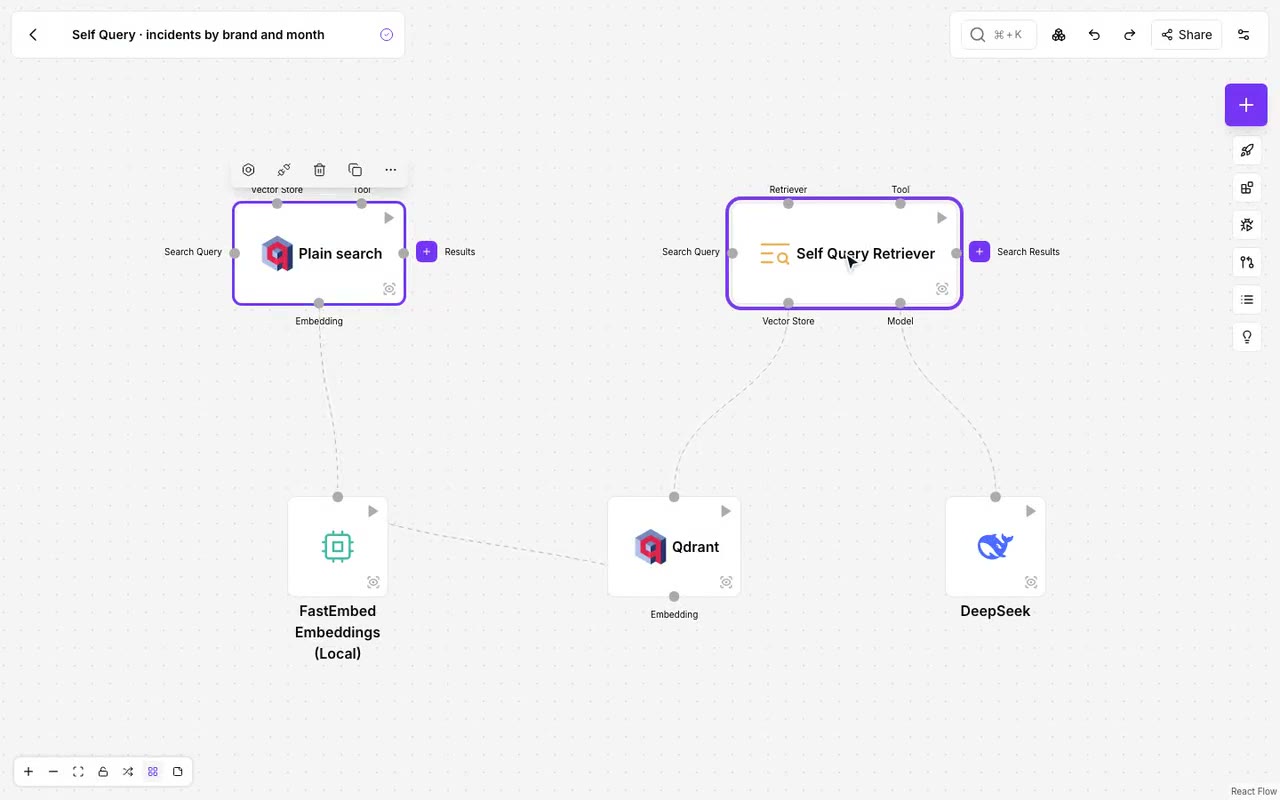
RAG: answers from your documents and data
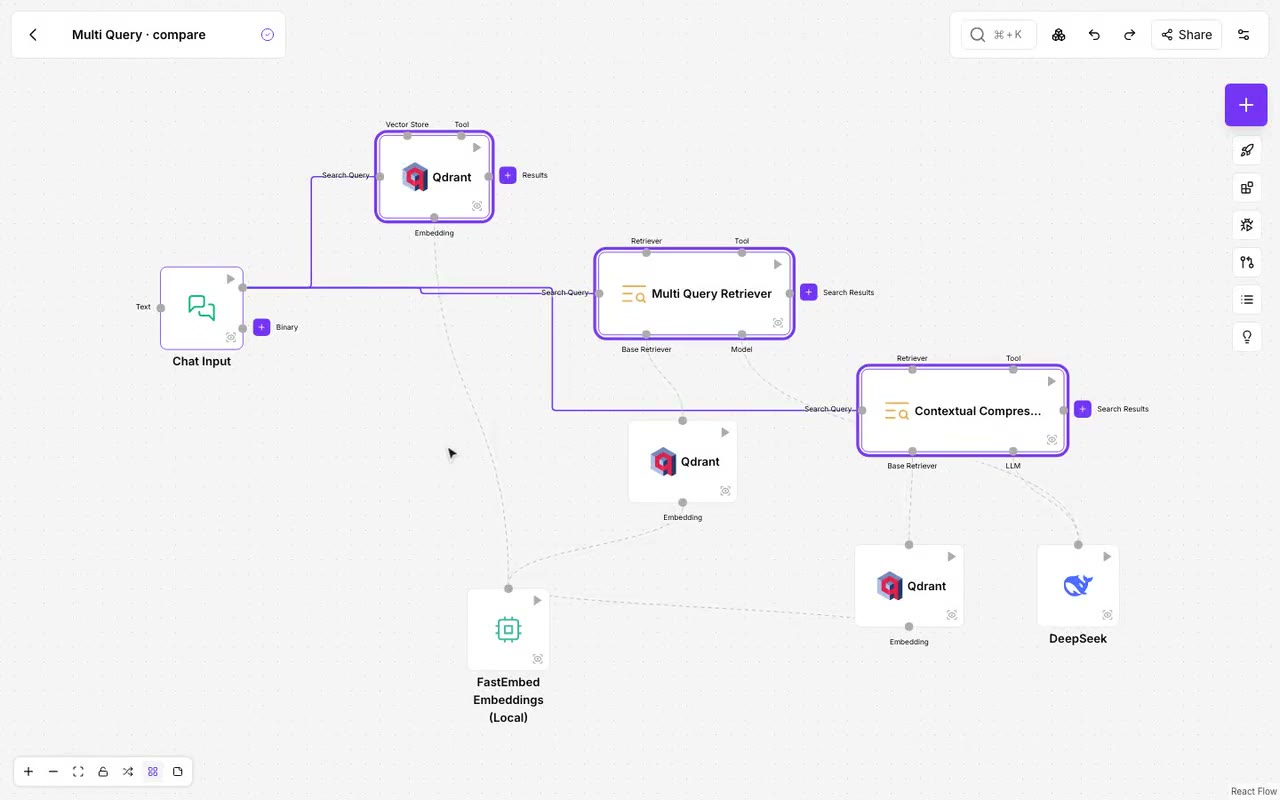
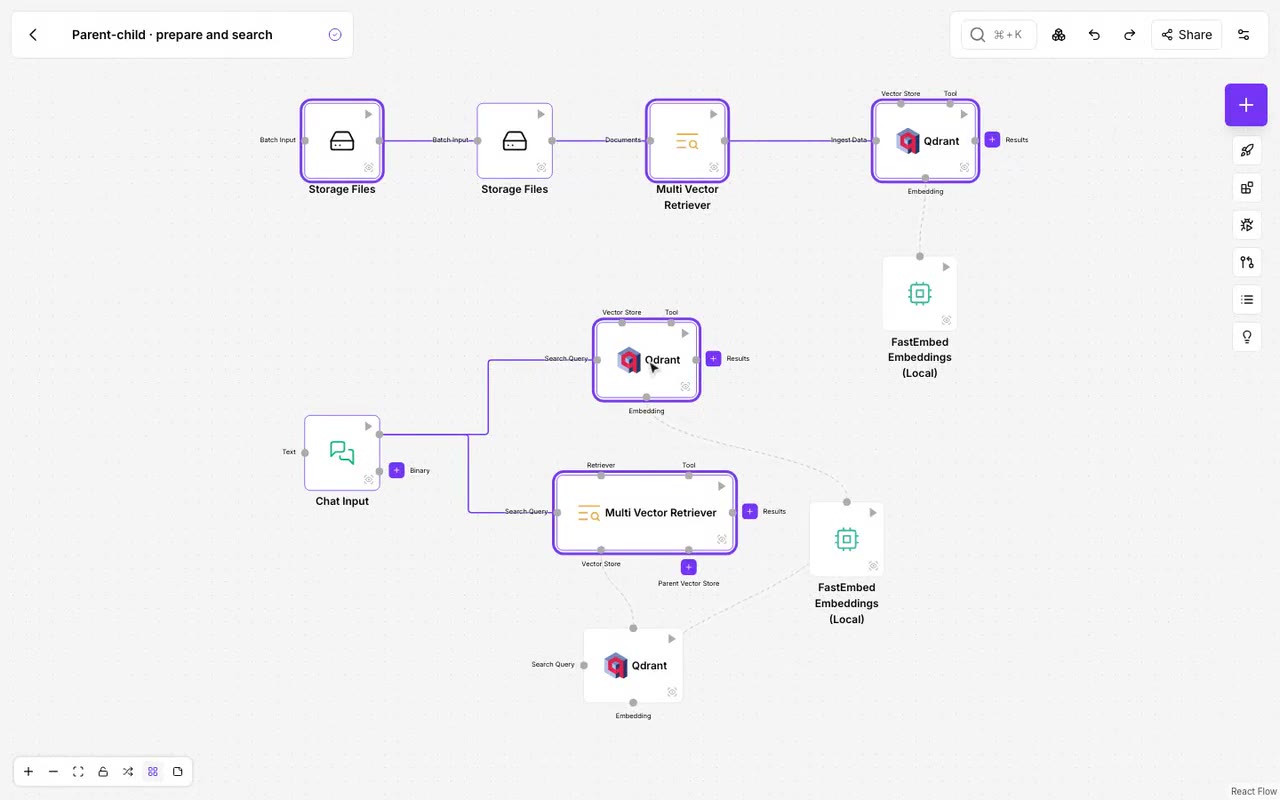
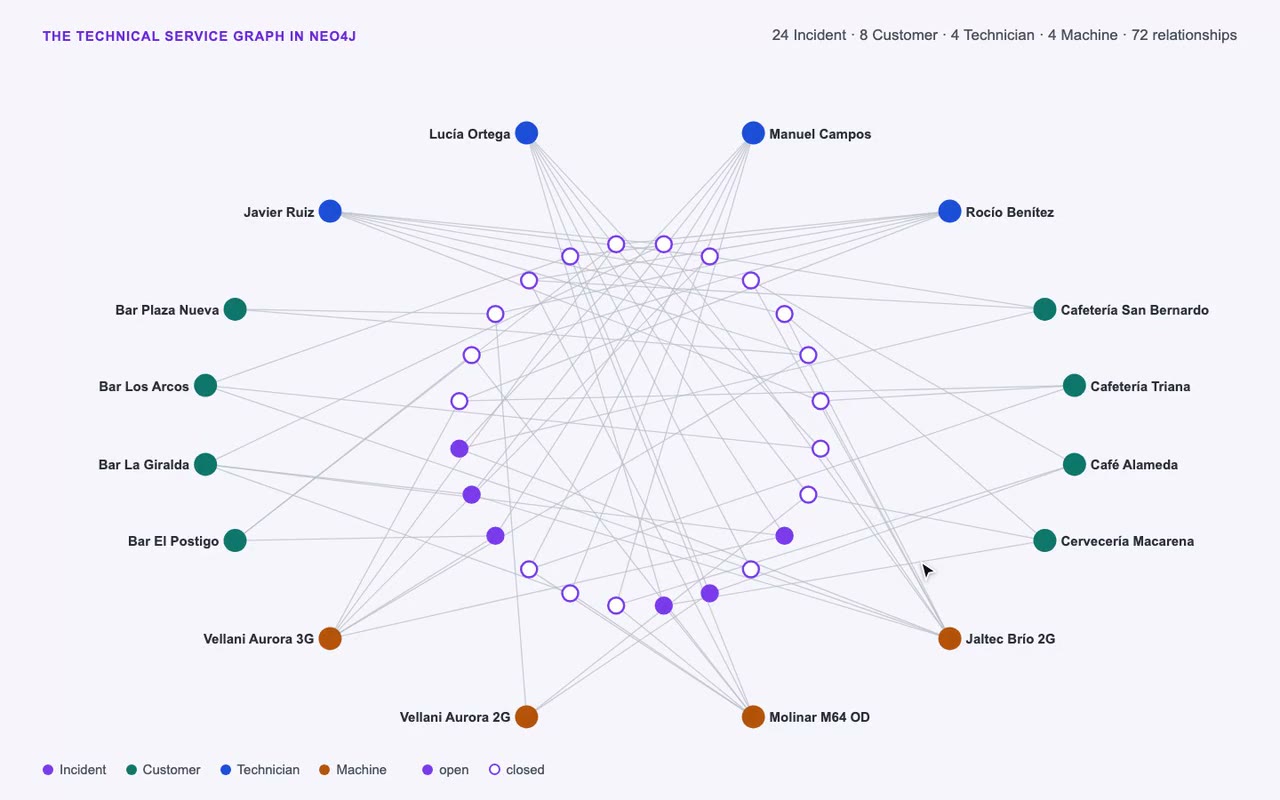
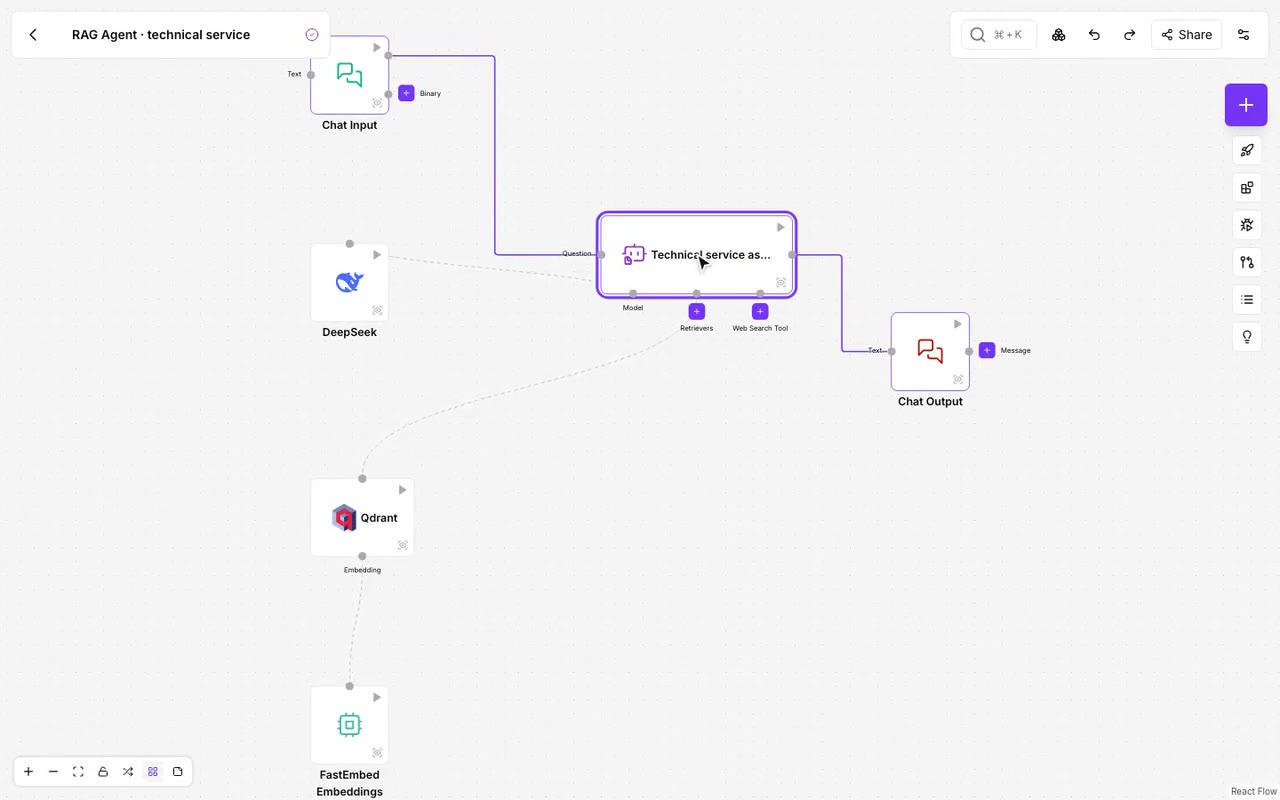
YouTube channel tutorials
1. First steps
-
Discover NappAI
A short introduction to the platform and what you can automate with it. -
The projects menu
How to create, organise and open your flows from the projects screen. -
Add and connect components
How to add components to the canvas and connect them. -
How to use templates
How to start a project from a template.
2. Platform features
-
Executions log
How to review your flows’ runs and find where one failed. -
Version control
How to save versions of a flow and work with them. -
How to use the Parse Data component
How to format a component’s data with Parse Data. -
Component operations
What a component’s operations are and how to choose the one it should perform. -
Unit testing flows
How to test the parts of a flow inside the platform. -
Tool Mode
How to use a component as an agent’s tool. -
Mapping Mode
How to process a list of items with a component. In the current app this option is called Batch Mode. -
How to set up a Webhook
How to receive in a flow the data another application sends. -
API integration
How to run a flow from another application with the NappAI API. -
How to use the playground
How to test a flow in the playground and check its result.
3. AI agents
-
Why use an AI agent
How an agent differs from an automation that always follows the same steps. -
Agent teams
How to chain several agents to handle a process in several steps. -
Router agent
How to classify a request and send it to whoever should handle it. -
How to use the Supervisor Agent
How to coordinate a team of agents with the Supervisor Agent component. -
How to use Human in the Loop
How to have a person approve certain actions before the agent carries them out. -
RAG agent
How to make an agent answer from your own documents. -
Chunking
How to split documents into fragments without losing context.
4. Use cases
-
Managing a database
A conversational agent that queries and manages a database. -
Gmail and Google Calendar
An assistant that works with your email and your calendar. You can also follow it in writing in the email and calendar assistant use case. -
Data analysis
A flow that analyses data and presents its conclusions. -
Build your own RAG
A complete tutorial so an assistant answers from your documents. -
Automatic slide editing
A flow that generates and edits slides.